
An Acrylic Icon Theme for Linux Desktops
Compatible with KDE, GNOME, Cinnamon, XFCE
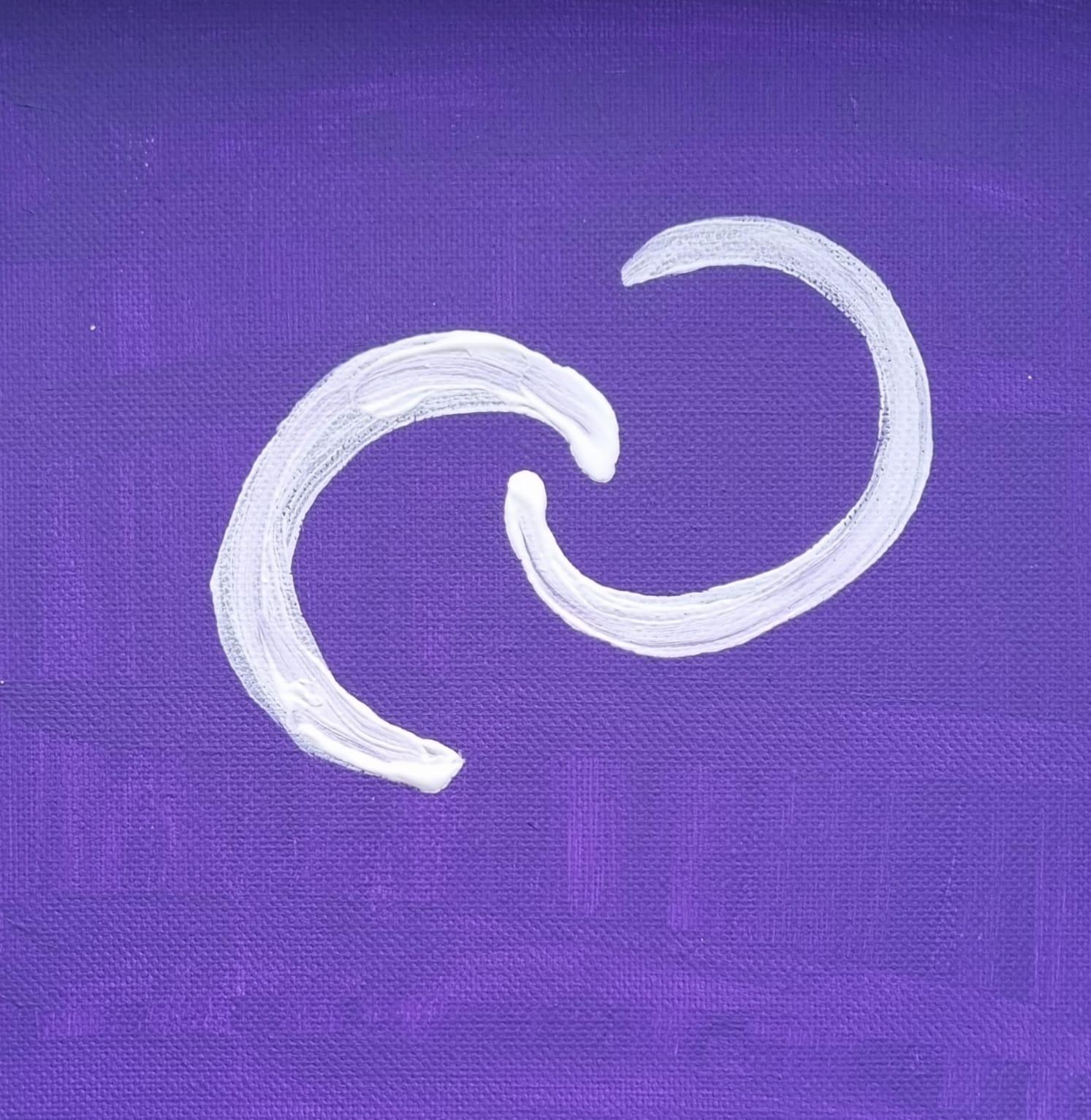
Cosmicding
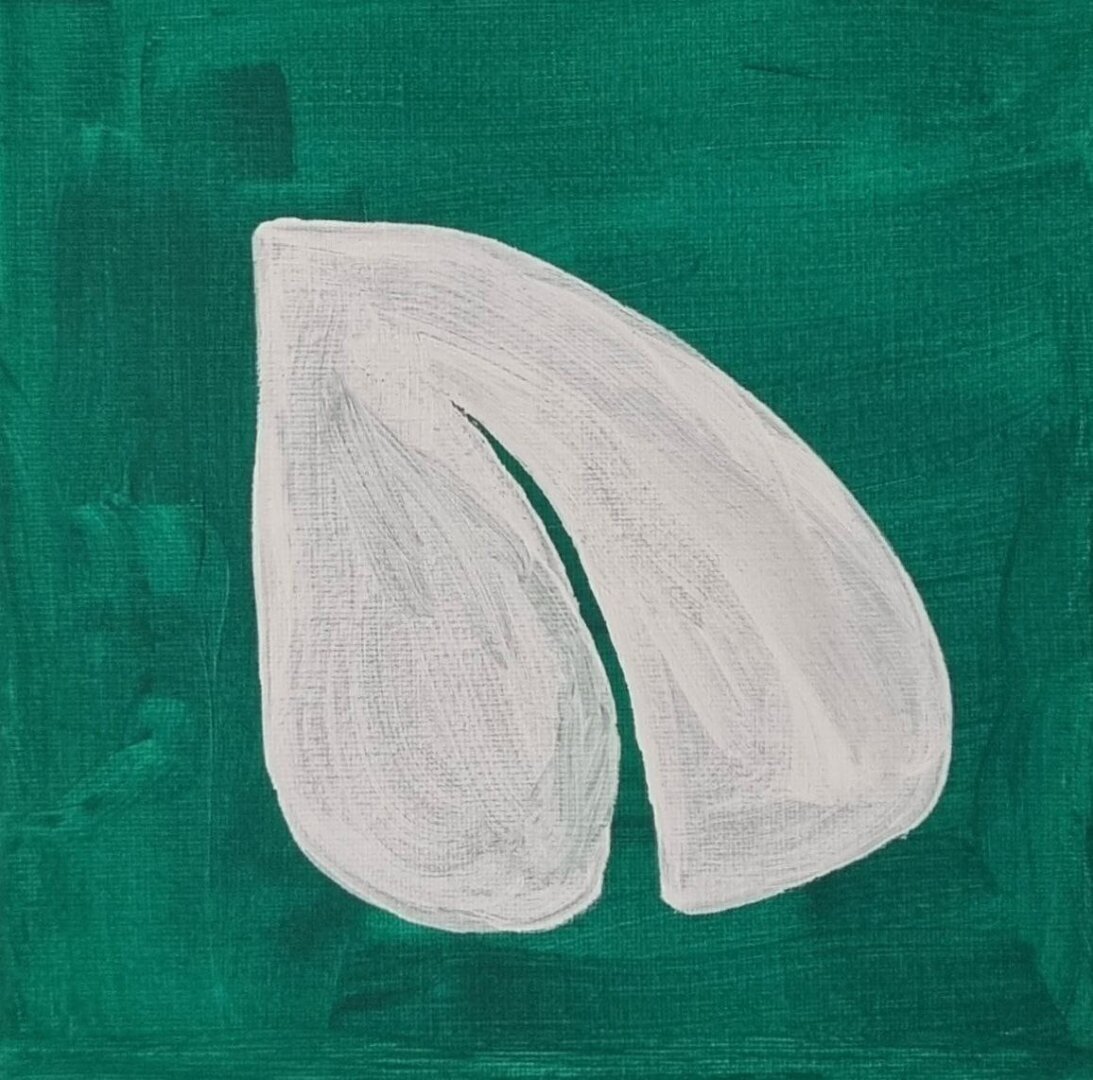
Peercoin
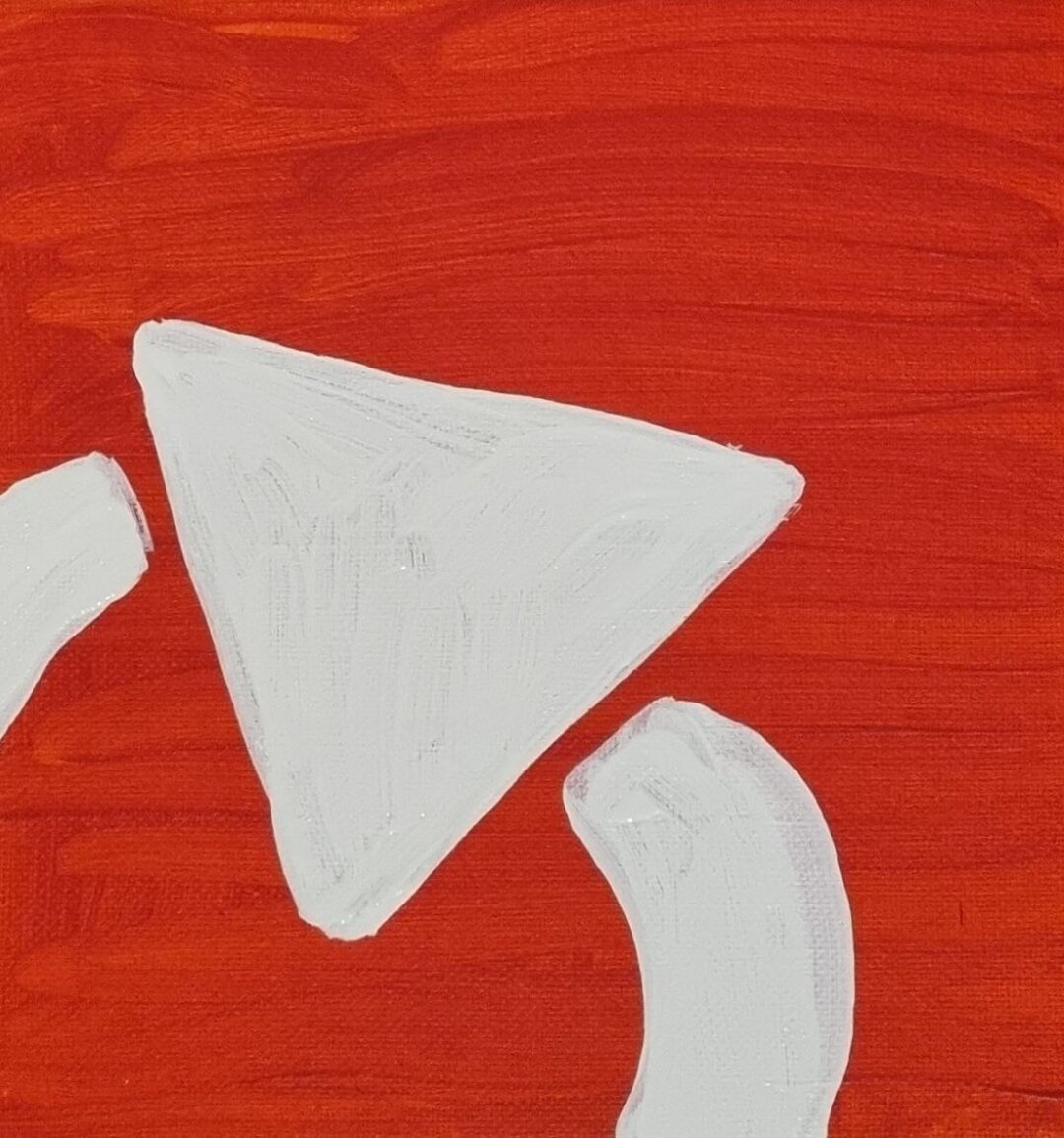
Syncara
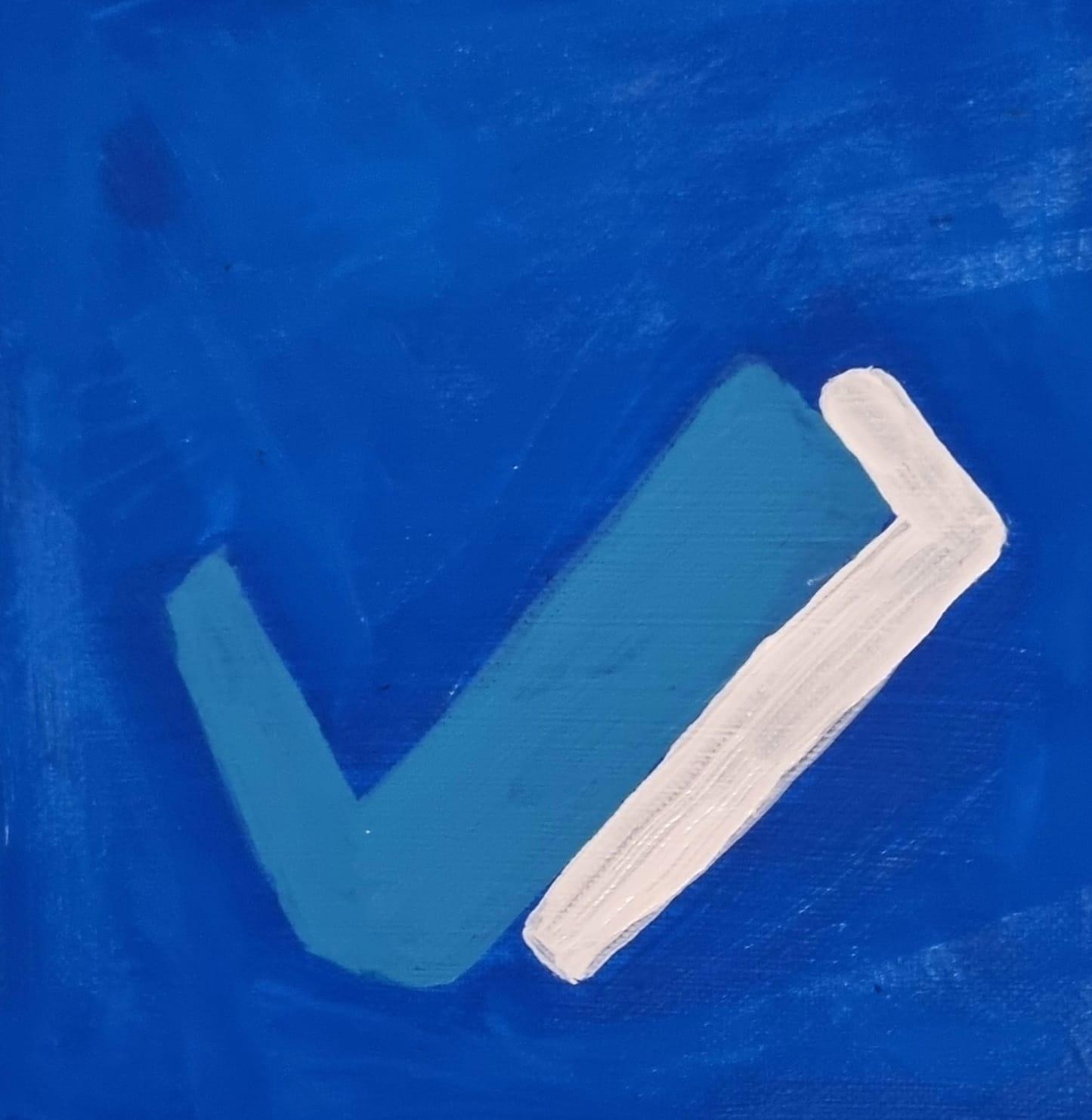
Table Habit
Mini Diarium
1. Download and Extract
theAcrylicons-v5.0.zip
2. Run theinstall.shscript, it is easier.
or 2. Moving Folder
Move the folder Acrylicons to:~/.local/share/icons/
3. Activate the theme
KDE Plasma: Settings → Appearance → Symbols4. Select the ‘Acrylicons’ icon theme from the settings.
29 Acrylicons, 123 in total
Added Icons: OpenHabitTracker, Bitcoin Core, Zathura, Cinecred, pxtone collab, Calendar, Exchange, ncspot, Solaar, Crabdrop, Outline Manager, Listen Moe, OpenComic, Samaya, Aqloss, Hearts, Media Downloader, Flowkeeper, qBittorrent, Trayscale, DeltaTouch, Webarchive, Attack Vector Alpha, Nuclear, Meshy, Escritoire, Snux, Cube Timer, Shapebound
14 Acrylicons, 94 in total
Added Icons: Shotcut, JASP, Easyflatpak, Sonic Pi, Akizip, Kweather, Vesktop, Kaidan, Focal, Surfshark, Signal Desktop, PyGlossary, Disk Usage Analyzer, Cedilla
Updated Icon: Vinyl, Tutamail, Tor Browser Launcher
18 Acrylicons, 80 in total
Added Icons: Airtame, Blood Pressure, FileZilla, Gopeed, LRCGET, Mages, Meshtastic Desktop, PSLab, Qobine, qTox, SelfPrivacy, Super Productivity, SONE, The Life, Torrents Digger, Typesetter, Virtual Surround, Workout Timer
62 Acrylicons in total
Added Icons: Addiction Tracker, Briar, Byte, Bitwarden, Cosmicding, Collabora Office, CoMaps, Delta Chat, Dino, Deskflow, Emacs, Ente Auth, Ente Photos, Element, Foot, FeedFlow, Feeel, Forkgram, Godot Engine, Jogger, Joplin, KOReader, Kodi, LMMS, LibreLinkUpDesktop, Meshtastic, Mini Diarium, Musik, Mumble, Mattermost, Manyverse, MarkText, mpv Media Player, Nextcloud Desktop, NymVPN, NewPipe, Onionshare, OpenTodoList, Open Alert Viewer, Peercoin, Puzzled, Parlera, Pulse, Quod Libet, Saber, SimpleX Chat, Syncara, Symbolical, TickTick, Typora, TVHplayer, Trezor Suite, Table Habit, Tor Browser, Tuta Mail, Vinyl, wger, Warble, Warpinator, XL Converter, Yt Downloader, Zettlr
Create new labels.
Contact KEKILA again regarding the new labels.
Select a printing company.
Offer for printed labels.
Pay for labels.
Then we'll continue with KEKILA again.
QR Code
Scanne für DownloadEvery bottle with an Acrylicons label has a QR code.
Scan this QR code, Download the .zip file from the latest release at codeberg.org/mondstern/Acrylicons/releases
Extract the .zip file, run the install.sh script.
Select the ‘Acrylicons’ icon theme from the settings.
Settings / Themen / Symbole / Acrylicons